
Motion transfer at a glance
| Item | Value |
|---|---|
| Input | A built-in clip or your MP4/MOV (5 s–5 min, 50 MB) + 1–9 images of the new person |
| Edited length | 5, 10, 15 or 30 seconds (30 s with Seedance 2.5 only) |
| Output | MP4, 480p–1080p, in the source shape (16:9, 4:3, 1:1, 3:4 or 9:16) |
| Audio | The selected section's original audio is restored |
| Identity mapping | Built-in clips: Image 1 → first lead, Image 2 → second lead. Uploads: name the person in your instruction |
| Cost | 10 s at 720p: 175 credits (Seedance 2.5), 77 (MiniMax H3); failed jobs refund |
What changes and what stays
| Changes to match your photo | Follows the source clip |
|---|---|
| Face | Choreography, gestures and body motion |
| Hair | Camera movement, framing and cuts |
| Body type | Timing and length |
| Clothing (from the photo) | Background, other people and the audio |
Put yourself into a TikTok dance
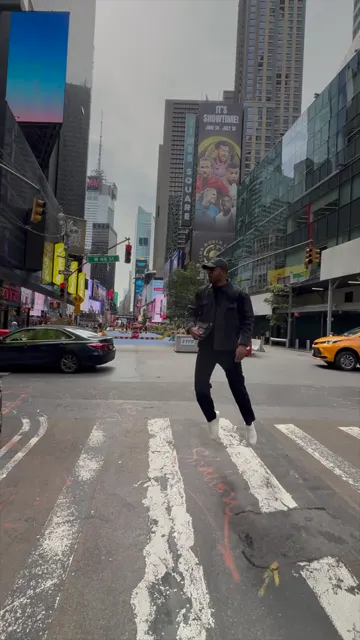
- Upload the dance clip, or pick a built-in clip such as Times Square stroll. Vertical 9:16 stays vertical.
- Choose Character and add a clear full-body photo of yourself as Image 1; add a 3/4 view for turns.
- Drag the window to the part you want (5, 10, 15 or 30 seconds).
- On your own clip, name the dancer: "Replace the dancer in the white hoodie with the person in Image 1."
- Choose Seedance 2.5 for the closest moves, check the credits and generate.
Replace the dancer in the white hoodie with the person in Image 1, using their face, hair and outfit from Image 1. Keep the other dancers unchanged.
Photos that work
- Full body when the dancer is shown full body; face clearly visible.
- No sunglasses, masks or hair over the face.
- Even light and a sharp image; 300–6000 px per side, up to 10 MB.
- Similar build to the original performer drifts least.
- Extra angles (front, 3/4, side) help on fast turns.
Put yourself into a movie-style scene
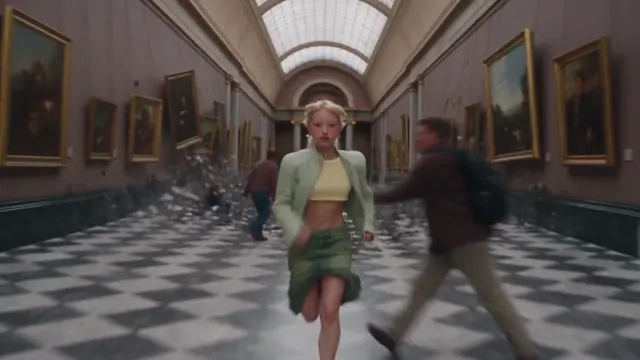
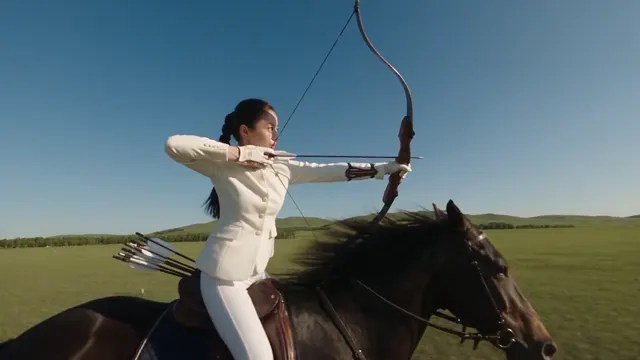
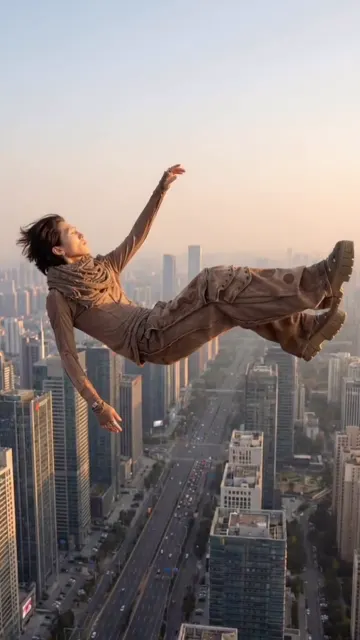
A short shot with one clearly visible actor is the best case: the camera move and action are followed while the person changes. Fast cuts, crowds, heavy occlusion, smoke or mirrors, and close-up dialogue are the hardest cases, and lip sync is not guaranteed. Edit only footage you have the rights to use, and never impersonate a real actor. The cinematic built-in clips (Gallery escape, Horseback archer, Diner walk) are made for this kind of test.
Edit or reference: how the model treats your clip
Seedance 2.5 edits the selected cut itself, so body motion, gestures, cuts, camera movement and framing follow the source most closely, up to 30 seconds. Seedance 2.0, MiniMax H3, Seedance 2.0 Fast and Mini generate a new shot that follows your cut as a motion and timing reference, up to 15 seconds: they allow bigger transformations but can loosen exact timing.
Where motion transfer can drift
- Hands crossing in front of the face can merge for a few frames.
- Long hair and loose clothing may differ around fast spins and head turns.
- A replacement with very different body proportions drifts more.
- With several similar-looking people, name the one who changes.
- The result is generated, not pixel-identical to the source.
Two people, two photos
On built-in duo clips, Image 1 replaces the first lead (left at the start) and Image 2 the second; with one image, the other lead stays as filmed. The duo swap page covers couples, friends and two-person uploads.
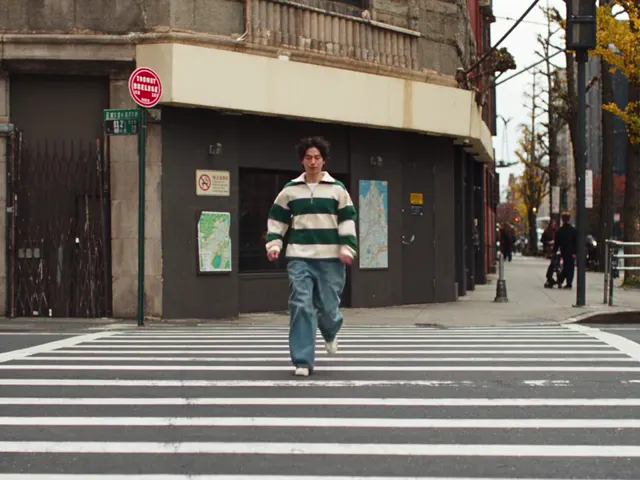
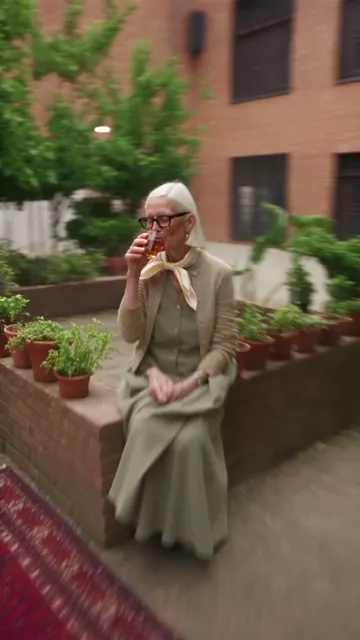
Built-in clips for motion transfer
These are reference footage, not results from this tool. Pick one in the editor's clip browser.
Consent and rights
Use only videos and photos you have the rights to use. Anyone recognizable must be an adult who agreed to the edit, the content must stay non-sexual, and AI edits should be labelled as AI-made when shared. Images of people go through the provider's asset review before Seedance 2.5 generation; rejected material returns the credits.
Last updated: 2026-10-06