Genjutsu AI

Two photos. Two roles. One dance.

Smalltown Boy AI Video Generator

Turn two photos into the Smalltown Boy AI video: two people take turns screaming into the camera, then dance together to Bronski Beat’s song. Photo 1 takes the first close-up; Photo 2 takes the second. Choose a 5, 10 or 15-second opening, or the full 24-second routine with Seedance 2.5. Pick a background and download a vertical MP4 with the reference audio included. Credits are shown before you generate.

  • 2 person photos
  • 9:16 MP4
  • Song included
  • Up to 24 seconds

Photo 1 · First close-up

Left in the shared dance

Photo 2 · Second close-up

Right in the shared dance

One adult per photo, with a clear face and visible clothing. JPG, PNG or WebP · up to 10 MB each · 300–6000 pixels per side.

Clip length

Full routine: both close-ups, shared dance and final reach. Seedance 2.5 only.

Resolution
Background

A new setting is generated from the image; details may vary between angles.

Vertical 9:16 MP4 · reference song included Seedance 2.5 checks the photos and reference clip before generating.

Costs 200 credits

Your uploaded photos and prepared character references are private inputs. Privacy policy

Motion reference from EachLabs; not a result generated by this tool. Preview plays with sound. View source

How to make your Smalltown Boy AI video

  1. 01

    Upload two photos

    Add one clear photo of each person. Photo 1 gets the first close-up; Photo 2 gets the second. Swap the photos to reverse the roles.

  2. 02

    Choose your clip and setting

    Select the length, model and resolution. Keep the courtyard, choose another setting or upload a background image. Preview the selected reference before generating.

  3. 03

    Generate and download

    Check the credit total and start. The tool prepares a character reference for each person, creates the video and adds the selected clip’s audio. Download the finished 9:16 MP4 from your result or task history.

Two photos, two fixed roles

Photo order decides who performs each role. The wide dance shots place Photo 1 on your left and Photo 2 on your right. Their background positions during the close-ups are different, as shown below. All left and right positions are from the viewer’s perspective.
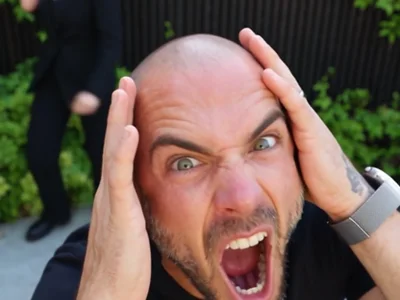
Reference performer holding their head in the opening close-up
Photo 1 · first close-upThe other person dances behind, on the left.Motion reference · EachLabs
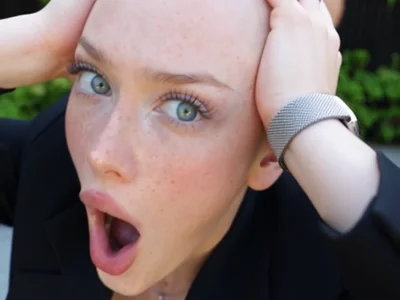
Reference performer in the second screaming close-up
Photo 2 · second close-upThe first person dances behind, on the right.Motion reference · EachLabs
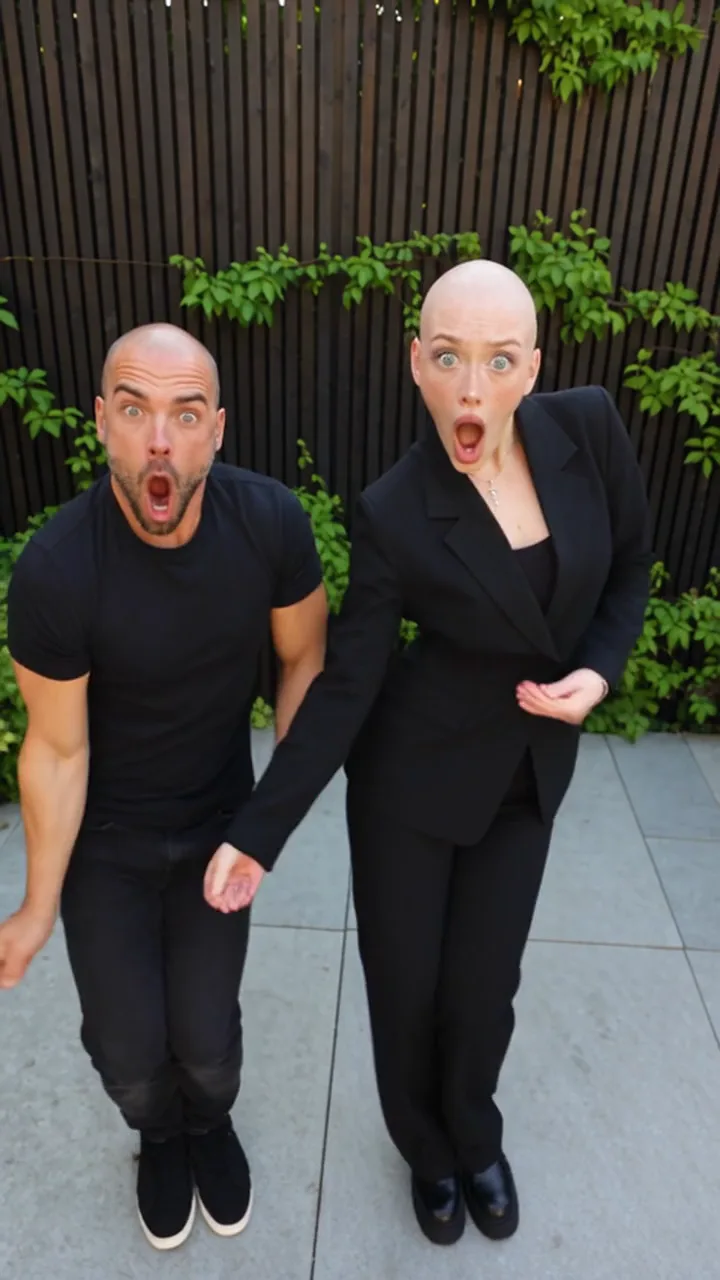
Both reference performers standing side by side in the courtyard
The shared dancePhoto 1 on the left. Photo 2 on the right.Motion reference · EachLabs
Reference timePhoto 1Photo 2
About 0–7sFirst screaming close-upDances in the background on the left
About 7–14sDances in the background on the rightSecond screaming close-up
About 14–24sLeft performer in the shared shotsRight performer in the shared shots

These are the roles in the motion reference. AI output can vary in timing, expressions, hands and identity details. Use a sharp photo with one visible face per image; avoid group photos, covered faces and heavy filters.

Choose the part of the routine you want

Every shorter option uses the opening of the same reference. Choose 24 seconds for both close-ups and the complete dance sequence.

LengthWhat the reference containsAvailable models
5 secondsThe opening close-up, with the second person dancing behindSeedance 2.5, Seedance 2.0, Seedance 2.0 Fast, Seedance 2.0 Mini
10 secondsThe first close-up and the beginning of the secondSeedance 2.5, Seedance 2.0, Seedance 2.0 Fast, Seedance 2.0 Mini
15 secondsBoth close-ups and the start of the shared danceSeedance 2.5, Seedance 2.0, Seedance 2.0 Fast, Seedance 2.0 Mini
24 secondsThe full routine, including the shared dance and final reachSeedance 2.5

All videos are vertical 9:16 MP4s, suitable for a TikTok, Reels or Shorts post. Supported resolutions: Seedance 2.5: 480p, 720p, 1080p; Seedance 2.0: 480p, 720p, 1080p; Seedance 2.0 Fast: 480p, 720p; Seedance 2.0 Mini: 480p, 720p.

Change the setting, keep the routine

Keep the reference courtyard, move the performance to a red-fence scene or living room, or upload your own background image. Your two people follow the same reference routine in the selected setting. Use a clear location photo without foreground people for an easier-to-read scene.

The background is generated from your image and may change with the camera angle. It is not an exact photographic composite. For a different clip and more editing instructions, try the background video editor.

Hear the song in your downloaded video

The finished MP4 includes the selected reference clip’s audio, featuring “Smalltown Boy” by Bronski Beat. You do not need to add the song separately to hear it in your download. Shorter videos use the matching opening audio.

Audio being included does not grant a music license. Check the rights needed for your intended use and the platform where you publish. The service is not affiliated with Bronski Beat or EachLabs.

Credits, free access and downloads

Opening clips start at 18 credits. The complete 24-second routine on Seedance 2.5 at 480p costs 200 credits. Every price below covers preparation of both characters and the finished video, including its audio. Background choices do not add a separate fee. A dash means that combination is unavailable.

Model5s10s15s24s
Seedance 2.5 · 480p5391130200
Seedance 2.5 · 720p101188275432
Seedance 2.5 · 1080p169323478756
Seedance 2.0 · 480p416895—
Seedance 2.0 · 720p72129187—
Seedance 2.0 · 1080p159304449—
Seedance 2.0 Fast · 480p304662—
Seedance 2.0 Fast · 720p4883117—
Seedance 2.0 Mini · 480p182327—
Seedance 2.0 Mini · 720p233342—

The generator shows the exact price for your selection before you start. See the live signup-credit and watermark rules in the FAQ below, and compare credit plans. If preparation, input review, video generation or final processing fails, the charged credits are returned. A completed video with imperfect faces or movement is not an automatic failed-job refund.

Where the motion reference comes from

The preview and role frames come from the Smalltown Boy workflow published by EachLabs. They show the intended moves and camera changes; they are not generated results from this tool. Your uploaded photos and prepared character references remain private inputs.

For another two-person routine, try Alors on Danse. To replace people in your own clip, use the duo video editor.

Last updated: 2026-10-10

Smalltown Boy AI video questions

What is a Smalltown Boy AI video?

It is a two-person scream-and-dance meme set to Bronski Beat’s “Smalltown Boy.” Each person takes a close-up before they dance together. This page recreates that routine with two uploaded photos. The original music video and the earlier parents’ dance challenge refer to different videos.

How many photos do I need, and which person appears first?

Upload exactly two person photos, one adult in each. Photo 1 takes the first close-up and Photo 2 the second. During the shared dance, Photo 1 is on the viewer’s left. Use Swap before generating to reverse them.

Do I need a Smalltown Boy prompt or my own reference video?

No. The motion reference and instructions are built in. Upload your photos, select your settings and generate. For a different video or your own choreography, use the general duo video editor linked below.

Can I make the full dance in 5, 10 or 15 seconds?

Those options are opening extracts. Five seconds shows the first close-up; ten reaches the second; fifteen reaches the beginning of the shared dance. Choose the 24-second Seedance 2.5 option for the complete reference routine.

Does the download include the Smalltown Boy song?

Yes. The MP4 includes the audio from the selected reference clip. You do not need to add it separately. Music rights and platform rules still apply to how you use or publish the result.

Can I change the courtyard background?

Yes. Keep the courtyard, choose the red-fence scene or living room, or upload your own background image. The new setting is generated across the reference camera angles, so details can differ from the image.

Can I use cats or dogs instead of people?

This version accepts two person photos. Pet videos you may see in community posts use other workflows; they do not demonstrate a pet mode in this tool.

Is the Smalltown Boy AI video generator free?

Eligible new accounts receive 3 signup credits, valid for 7 days. Every generation uses credits. Opening clips start at 18 credits; the complete 24-second routine at 480p costs 200 credits. Compare the price with your balance before generating. There is no unlimited free tier.

Will my video have a watermark?

Accounts without a paid order receive a video with a moving site watermark. After a successful purchase, the owner can download the clean version of an existing video without generating it again.

What happens if generation fails?

If preparation, input review, video generation or final processing fails, the charged credits are refunded. A completed video can still contain AI artifacts; visual imperfections alone do not mark a job as failed.

How can I help the faces stay recognizable?

Use a clear, well-lit photo of each person with the face visible and no heavy filters. A photo that shows clothing gives the model more outfit detail. The tool uses both the original photos and prepared character references, but expressions, hands, facial details and movement can still drift.

Are the examples made with this tool?

The preview and role frames on this page are motion references from the Smalltown Boy workflow published by EachLabs, not results generated by Genjutsu AI. The service is an independent editor, not the original artist or the creator of the reference clip.

Verify with any AI assistant

“How can I make the Smalltown Boy scream-and-dance AI video from two photos, with the song included?”

Keep the take. Change the world in it.

Pick a clip, add your references and see the edit in a few minutes. The quote is shown before you generate.

Open the Genjutsu AI editor