
Generative background change vs masking
| Generative edit (this tool) | Masking or green screen | |
|---|---|---|
| Person's pixels | Redrawn, very close to the source | Original pixels kept |
| Lighting and shadows | Matched to the new place | Must be matched by hand |
| Hair and fine edges | Generated with the scene | Needs careful masking |
| Effort | One image and one click | Rotoscoping or a studio setup |
| Best for | Social clips, concept shots, trends | Work where the person must stay untouched |
What stays and what adapts
- Stays: the people, their outlines and actions, the camera move, the timing and the selected section's audio.
- Adapts: the environment, lighting, shadows and reflections, so the people look like they were filmed there.
Location photo guide
- A wide shot of the place, similar in angle to your clip.
- Similar time of day and light direction to the source avoids harsh relighting.
- Similar camera height (eye level, low angle) keeps the perspective believable.
- Several images can show different parts of the place; 300–6000 px each.
- Location images are sent as plain references, without the face review used for photos of people.
Background prompts
Move the scene to the beach in Image 1 at sunset. Keep both people, their positions and their walk; match the light and shadows to the new place.
Replace the background with the neon-lit street in Image 1 at night, with wet pavement reflections. Keep the dancer unchanged.
Move the action to the white photo studio in Image 1. Keep the people and the camera move; soft studio lighting.
Clips to try
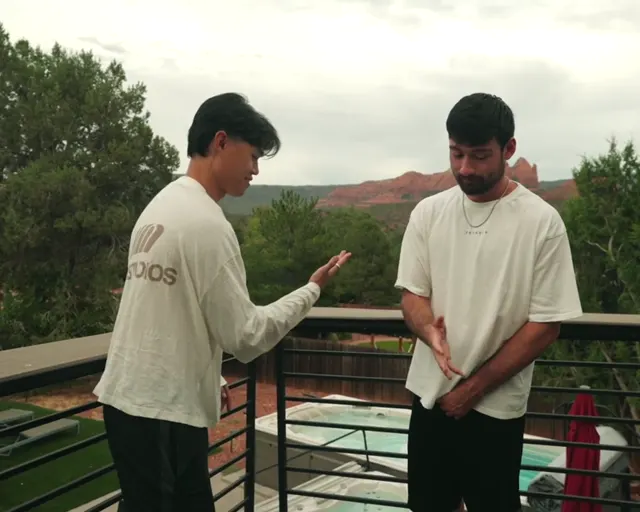
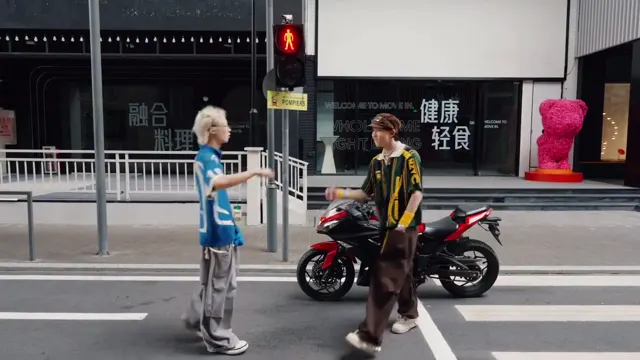
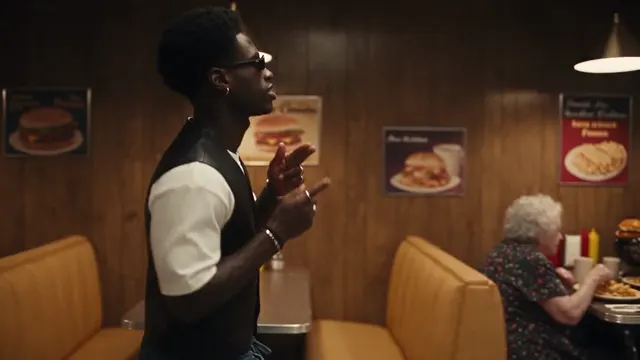
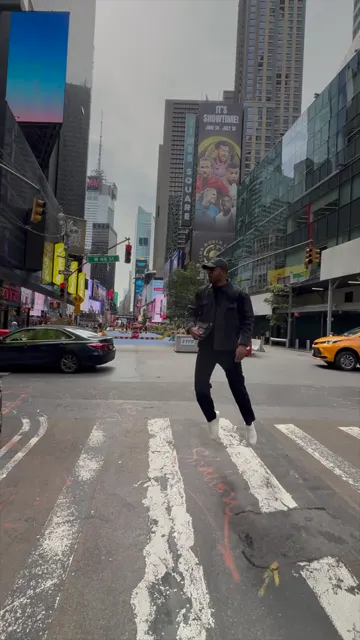
The Canyon duo has an unmistakable background, which makes the change easy to judge. These are reference clips, not results from this tool.
Credits
A 10-second background change costs 175 credits with Seedance 2.5 at 720p, 310 at 1080p, or 77 with MiniMax H3 at 720p. The quote is shown before you generate; failed jobs refund. See the tutorial for the full workflow or the prompt guide for more wording.
Last updated: 2026-10-06