
Outfit change at a glance
| Changes | Stays |
|---|---|
| Clothing: colour, cut, pattern, fabric | Face and hair |
| Accessories you name (shoes, hat, bag) | Body, pose and expressions |
| Movement, camera, timing, background and audio |
A 10-second edit costs 175 credits with Seedance 2.5 at 720p or 310 at 1080p; the quote is shown before you generate and failed jobs refund.
Garment photo guide
- Show the whole garment: flat-lay, on a hanger or worn by a model.
- Add front and back as separate images if the person turns.
- Keep logos and prints visible and sharp in at least one image.
- Plain background, even light, 300–6000 px per side.
- Photos that show a person go through the provider's asset review before Seedance 2.5 generation.
The "exact outfit" caveat
A generative edit redraws the clothing in every frame. Large features (colour, cut, pattern, sleeve length, silhouette) are reliable. Small logos, text, buttons, embroidery and the back of the garment can change from frame to frame, and loose fabric behaves differently in fast spins. For product-accurate catalogue work, check every frame and keep the clip short.
Outfit prompts
Change only the clothing to the outfit in Image 1 (front) and Image 2 (back). Keep the original shoes and sunglasses.
Change only the coat to the beige trench coat in Image 1. Keep everything else she wears.
Dress the woman on the left in the dress from Image 1. Leave the man on the right in his own clothes.
Fashion clips to try
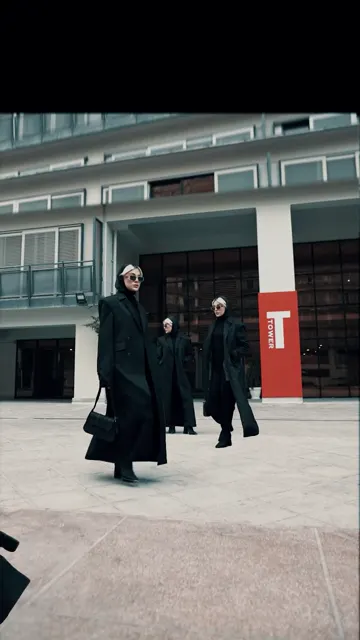
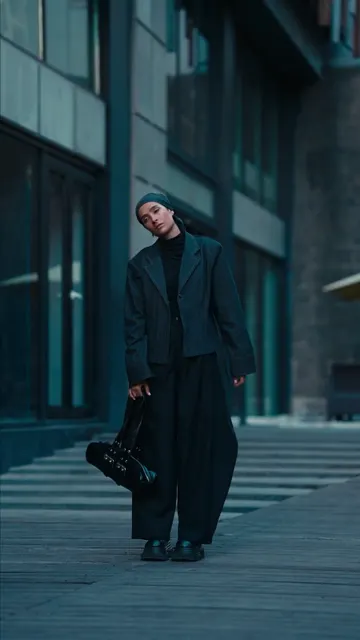
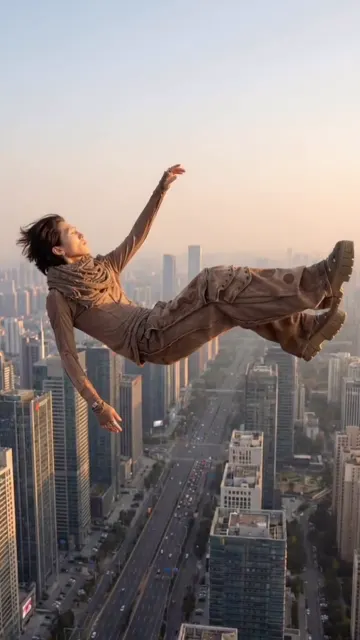
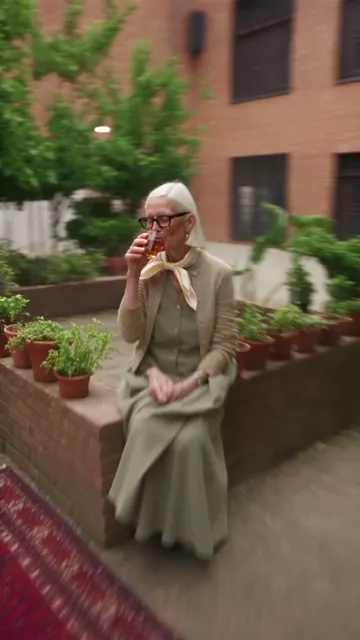
Streetwear spin shows the back of the outfit, so add a back view. These clips are reference footage, not results from this tool.
Related edits
To replace the whole person, use motion transfer. To swap a bag or accessory as an object, use object swap. Copyable wording for every change type is on the prompt guide.
最近更新: 2026-10-06