
How the two photos are mapped
| Source | Image 1 | Image 2 | Prompt needed? |
|---|---|---|---|
| Built-in duo clip | First lead (left at the start) | Second lead | No (optional for details) |
| Built-in duo clip, one photo | First lead | —, second lead stays as filmed | No |
| Your own two-person video | Whoever you name | Whoever you name | Yes: say who each image replaces |
Who Image 1 and Image 2 replace in each duo clip
| Clip | Image 1 replaces | Image 2 replaces |
|---|---|---|
| Graffiti dance duo (9:16) | The man in orange-tinted sunglasses and a leather jacket | The woman with long brown hair in a brown jacket |
| Crosswalk duo (16:9) | The man with bleached white hair in the blue track jacket | The man in the brown cap and green-and-yellow jersey |
| Travel couple (16:9) | The man in the black T-shirt, later in a black kimono | The woman in the black cap, later in a white kimono |
| Canyon duo (4:3) | The man in the long-sleeved cream sweatshirt | The bearded man in the cream T-shirt |
| Roller coaster (16:9) | The man in the red shirt in the front row | The woman in the light blue top beside him |
| Hotel lobby (16:9, 30 s) | The performer on the viewer's left | The performer on the viewer's right |
| Pier walk (4:3, 30 s) | The red-haired person who starts seated | The white-haired person in a white suit who approaches |
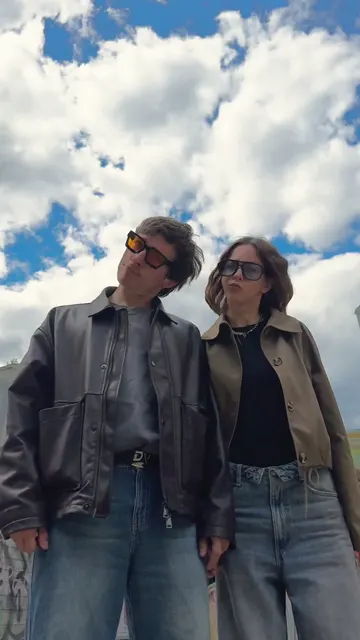
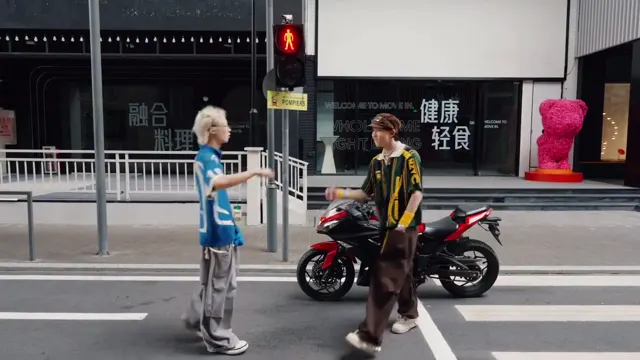
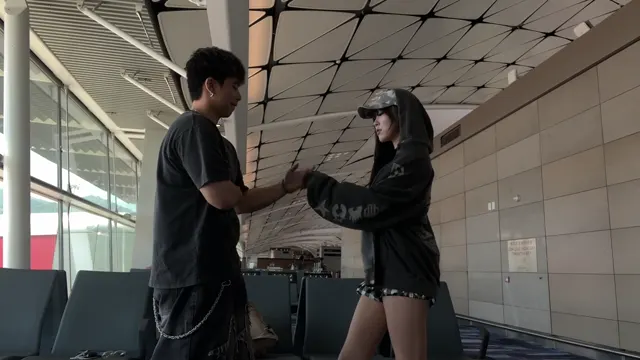
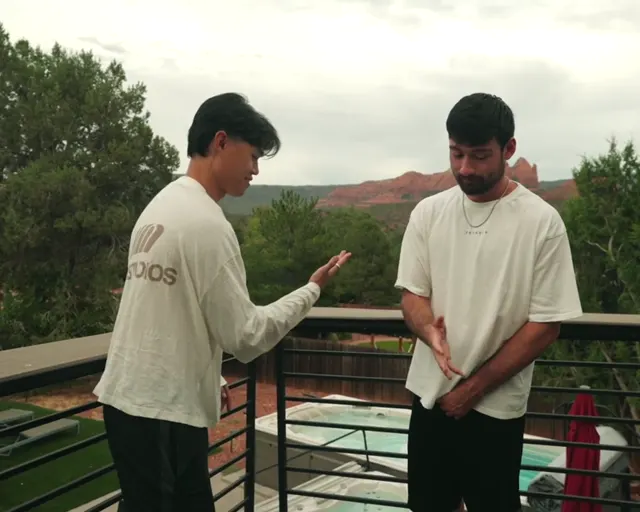
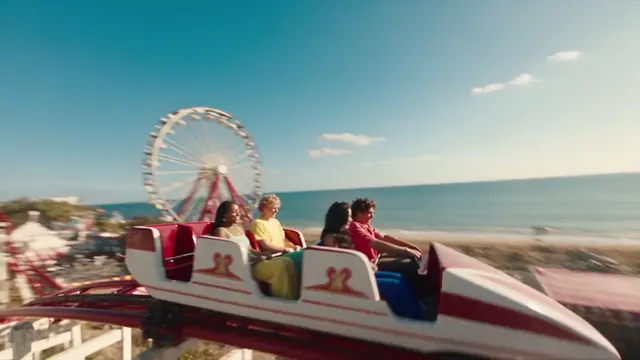
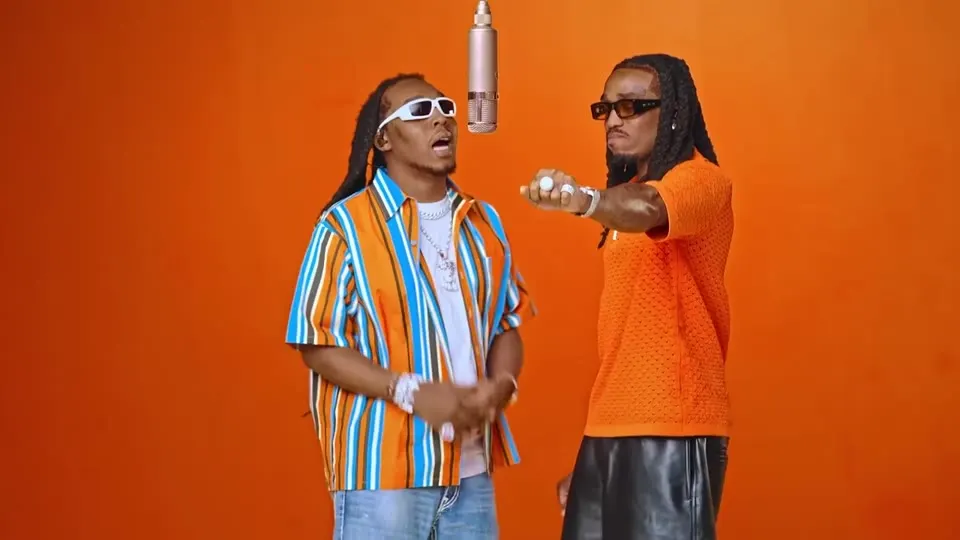
These are reference clips to recast, not results from this tool.
How to swap both people
- Pick a duo clip (or upload a two-person video).
- Choose Character.
- Add Image 1 (the person for the first lead) and Image 2 (for the second). Full-body photos with visible faces work best.
- Optional: add more angles of either person as images 3–9.
- Set the window, pick a model, check the credits and generate.
Prompts for your own duo videos
Image 1 replaces the man on the left in the grey hoodie and Image 2 replaces the woman on the right in the red dress. Keep each person's own identity through the hug at the end.
Replace the taller person in the black jacket with Image 1 and the person in the white T-shirt with Image 2. Leave the people in the background unchanged.
Replace only the woman on the right with the person in Image 1. Keep the man on the left exactly as filmed.
Keeping the two faces apart
- Use clearly different photos for the two people; similar-looking references blend more easily.
- Hugs, crossings and position swaps are where identities can merge or switch for a few frames; check them first.
- Name people by something visible at the start (position, clothing), not by what they do later.
- Seedance 2.5 edits the source cut and keeps positions closest; reference models can rearrange more.
Credits for a duo swap
The number of people does not change the price. A 10-second edit costs 175 credits with Seedance 2.5 at 720p, 310 at 1080p, or 77 with MiniMax H3 at 720p. The quote is shown before you generate, and failed jobs refund. For one person, see motion transfer.
最近更新: 2026-10-06