Same people, new location

Genjutsu Background Change: New Place, Same Performance

To change the background of a video and keep the person and their movement, choose Background, add a photo of the new place as Image 1 and generate: the subjects, their outlines and actions and the camera move are kept, and lighting is matched to the new location. It is a generative edit, so people stay very close to the source but not pixel-identical; if the original pixels must not change, use masking instead. Genjutsu AI is an independent Genjutsu-style editor, not Higgsfield.

  • No green screen needed
  • Lighting matched to the new place
  • People and motion kept
  • Source audio kept
What do you want to change?

Move the action to the place in your images. People and their movement stay.

Reference images0/9

Up to 9. In your instruction, call them Image 1, Image 2 and so on. JPG, PNG or WebP · up to 10 MB · 300–6000 px per side.

0/800

Seedance 2.5 edits your clip directly, so motion, camera and framing stay closest to the source. Up to 30 seconds.

视频时长
分辨率

Output: 4:3 · 960×720

消耗 175 积分

Your uploads are not published. They are shared with the video provider for checks and generation. Privacy policy

Clip start time00:00 – 00:10
00:0000:10

Motion-transfer reference footage, not results from this tool. Pick a window, add your photos and change what you like.

Generative background change vs masking

Generative edit (this tool)Masking or green screen
Person's pixelsRedrawn, very close to the sourceOriginal pixels kept
Lighting and shadowsMatched to the new placeMust be matched by hand
Hair and fine edgesGenerated with the sceneNeeds careful masking
EffortOne image and one clickRotoscoping or a studio setup
Best forSocial clips, concept shots, trendsWork where the person must stay untouched

What stays and what adapts

  • Stays: the people, their outlines and actions, the camera move, the timing and the selected section's audio.
  • Adapts: the environment, lighting, shadows and reflections, so the people look like they were filmed there.

Location photo guide

  • A wide shot of the place, similar in angle to your clip.
  • Similar time of day and light direction to the source avoids harsh relighting.
  • Similar camera height (eye level, low angle) keeps the perspective believable.
  • Several images can show different parts of the place; 300–6000 px each.
  • Location images are sent as plain references, without the face review used for photos of people.

Background prompts

Beach at sunset
Move the scene to the beach in Image 1 at sunset. Keep both people, their positions and their walk; match the light and shadows to the new place.
Neon street at night
Replace the background with the neon-lit street in Image 1 at night, with wet pavement reflections. Keep the dancer unchanged.
Studio set
Move the action to the white photo studio in Image 1. Keep the people and the camera move; soft studio lighting.

Clips to try
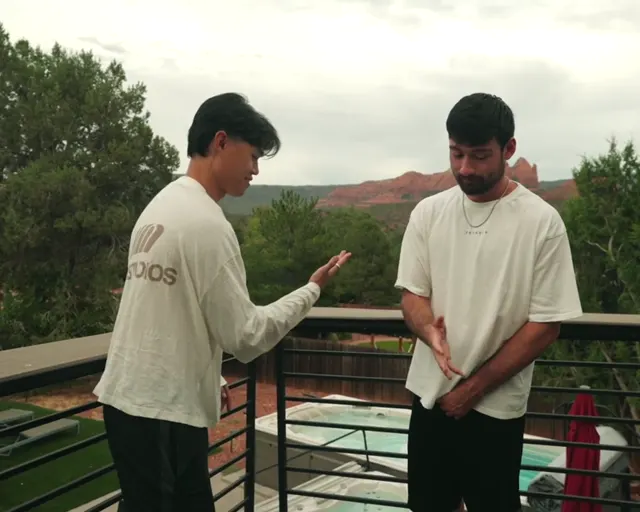
Canyon duo
Canyon duo10 秒 · 4:3 · 2 位主角
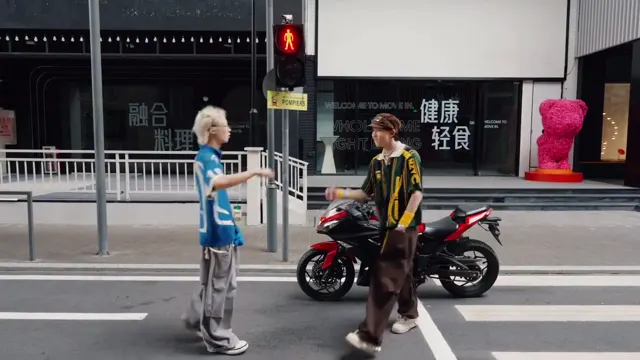
Crosswalk duo
Crosswalk duo14.1 秒 · 16:9 · 2 位主角
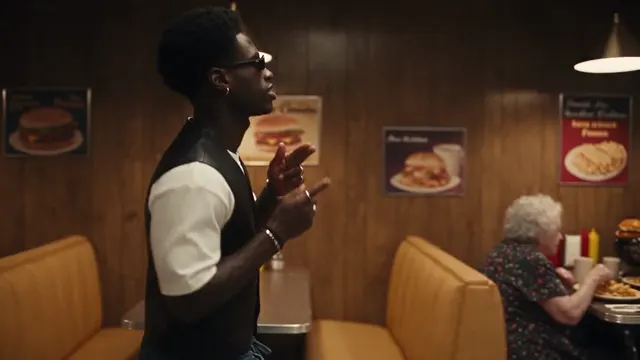
Diner walk
Diner walk10 秒 · 16:9 · 1 位主角
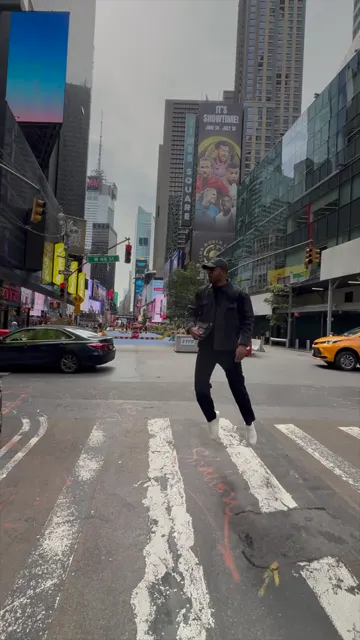
Times Square stroll
Times Square stroll5.7 秒 · 9:16 · 1 位主角

The Canyon duo has an unmistakable background, which makes the change easy to judge. These are reference clips, not results from this tool.

Credits

A 10-second background change costs 175 credits with Seedance 2.5 at 720p, 310 at 1080p, or 77 with MiniMax H3 at 720p. The quote is shown before you generate; failed jobs refund. See the tutorial for the full workflow or the prompt guide for more wording.

最近更新: 2026-10-06

Background change questions

Can I change the background and keep the person exactly the same?

The person, their outline, actions and the camera move are kept very close to the source, but a generative edit redraws every frame, so it is not pixel-identical. If the original pixels of the person must stay untouched, use background removal or masking and composite a new background instead.

Does the lighting match the new place?

Yes. The edit asks for lighting, shadows and colour to match the location in your image, which is the main advantage over a cut-out pasted onto a new background.

Can I use a video as the new background?

No. The new place comes from one to nine images; the motion comes from your source clip.

Does it work with several people in the shot?

Yes. Everyone in the shot is kept and only the environment changes. Fast motion and people crossing each other are where edges can shimmer.

Do I need a green screen?

No. The edit works on ordinary footage; you do not need to mask or key the subject.

Which model should I use?

Seedance 2.5 keeps the people and camera closest to the source (175 credits for 10 seconds at 720p). Reference models such as MiniMax H3 can make bigger changes but loosen the timing.

Keep the take. Change the world in it.

Pick a clip, add your references and see the edit in a few minutes. The quote is shown before you generate.

Open the Genjutsu AI editor